Home /Software /Structural Analysis & FEM Software

Structural Analysis & FEM Software Projects

Structural analysis and finite-element modelling workflows are grouped by software, including Autodesk Robot Structural Analysis Professional and LUSAS case studies with dedicated project sections.

Autodesk Robot Structural Analysis Professional
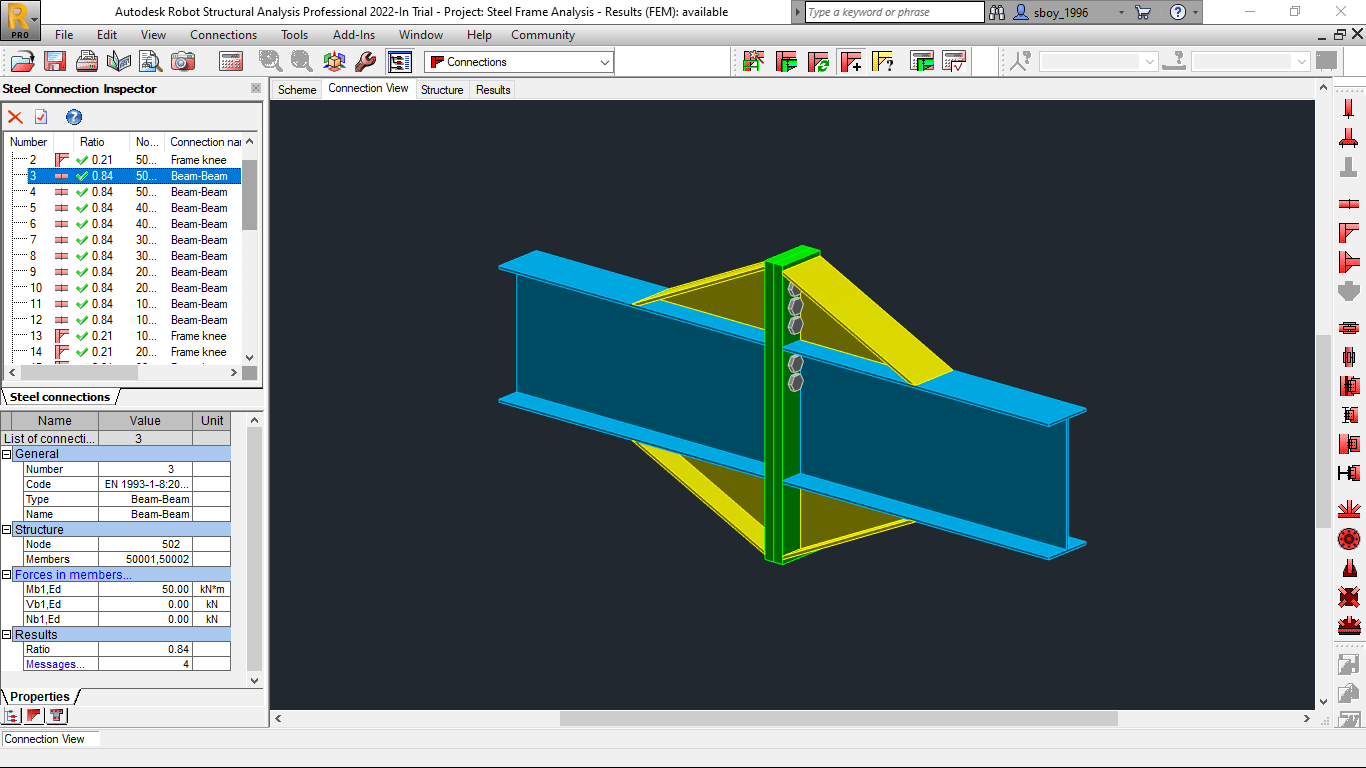
Autodesk Robot steel connection preview

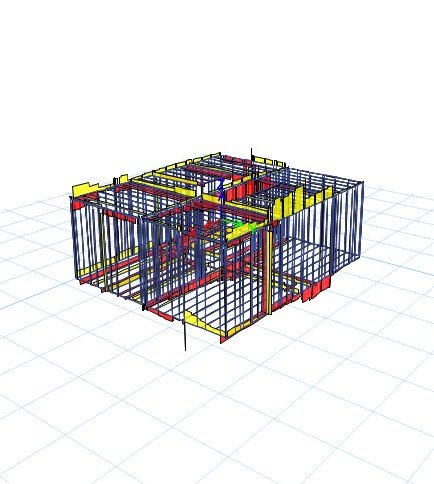
Robot Structural FEM Analysis

Autodesk Robot Structural Analysis model, bracing layout, connection inspector and FEM result checks.

LUSAS
LUSAS structural building analysis preview

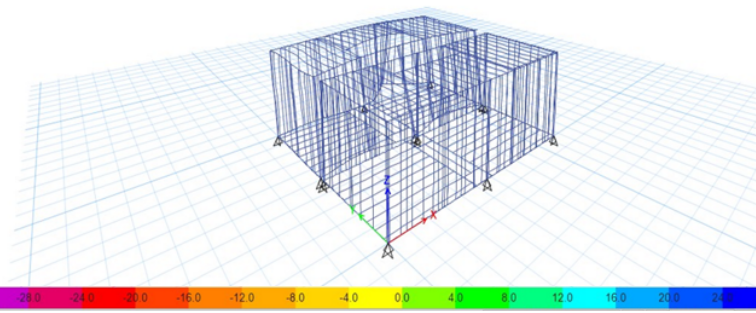
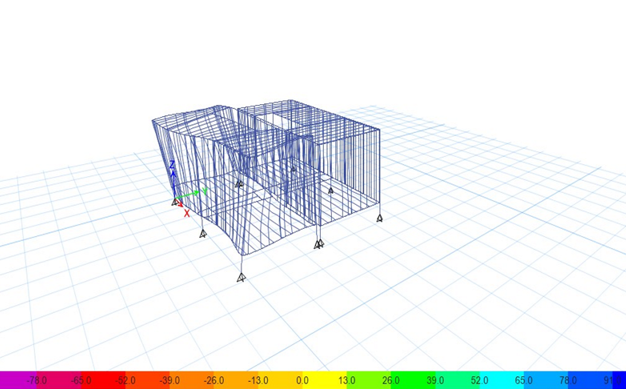
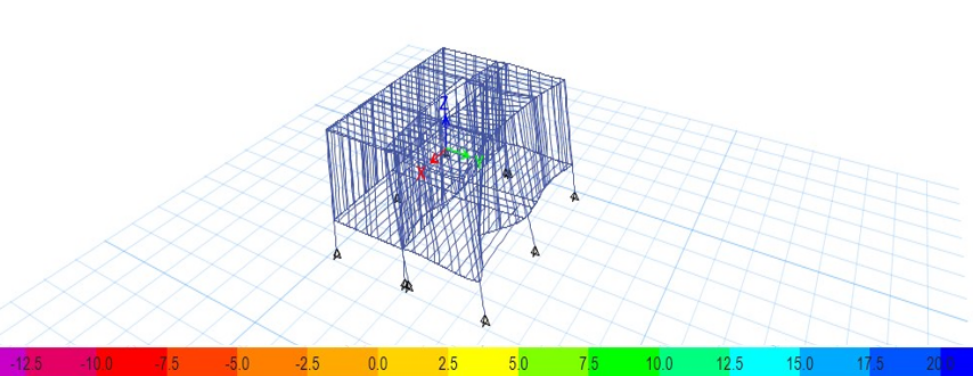
LUSAS Structural Building Study

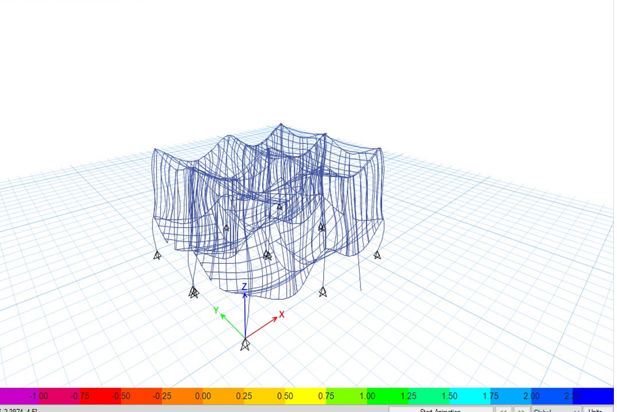
LUSAS structural frame model with load cases, stability review, deformation checks and design optimisation insights.
Autodesk Robot Structural Analysis

Steel Frame Rigid Connection CAD-to-FEM Workflow

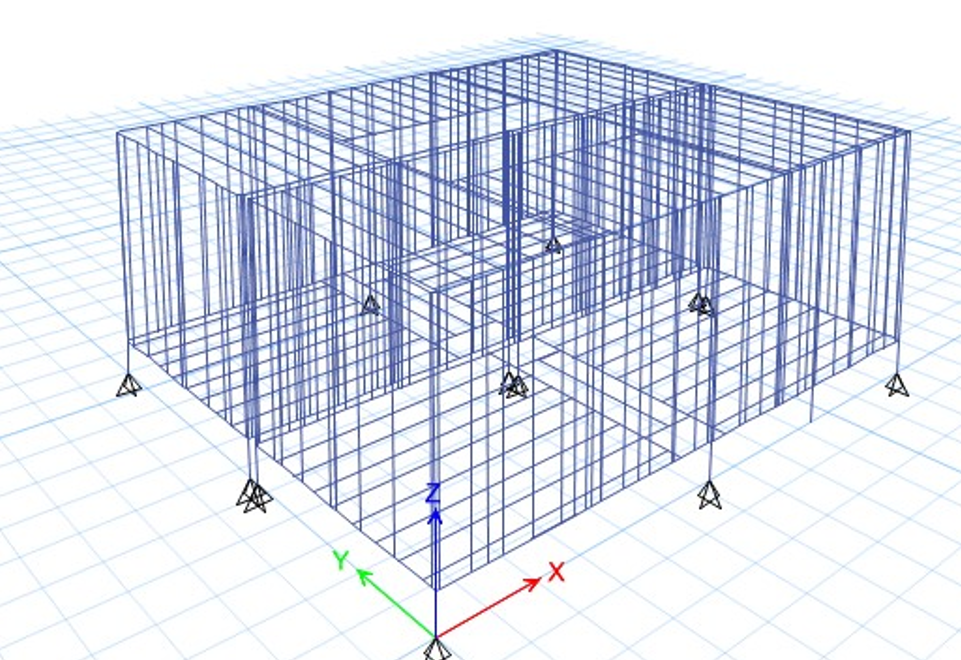
This project presents Autodesk Robot Structural Analysis Professional screenshots for steel-frame modelling, bracing definition, connection inspection and FEM result review. It is now grouped correctly under Structural Analysis & FEM Software.

Autodesk Robot steel beam-column connection model
Step 01

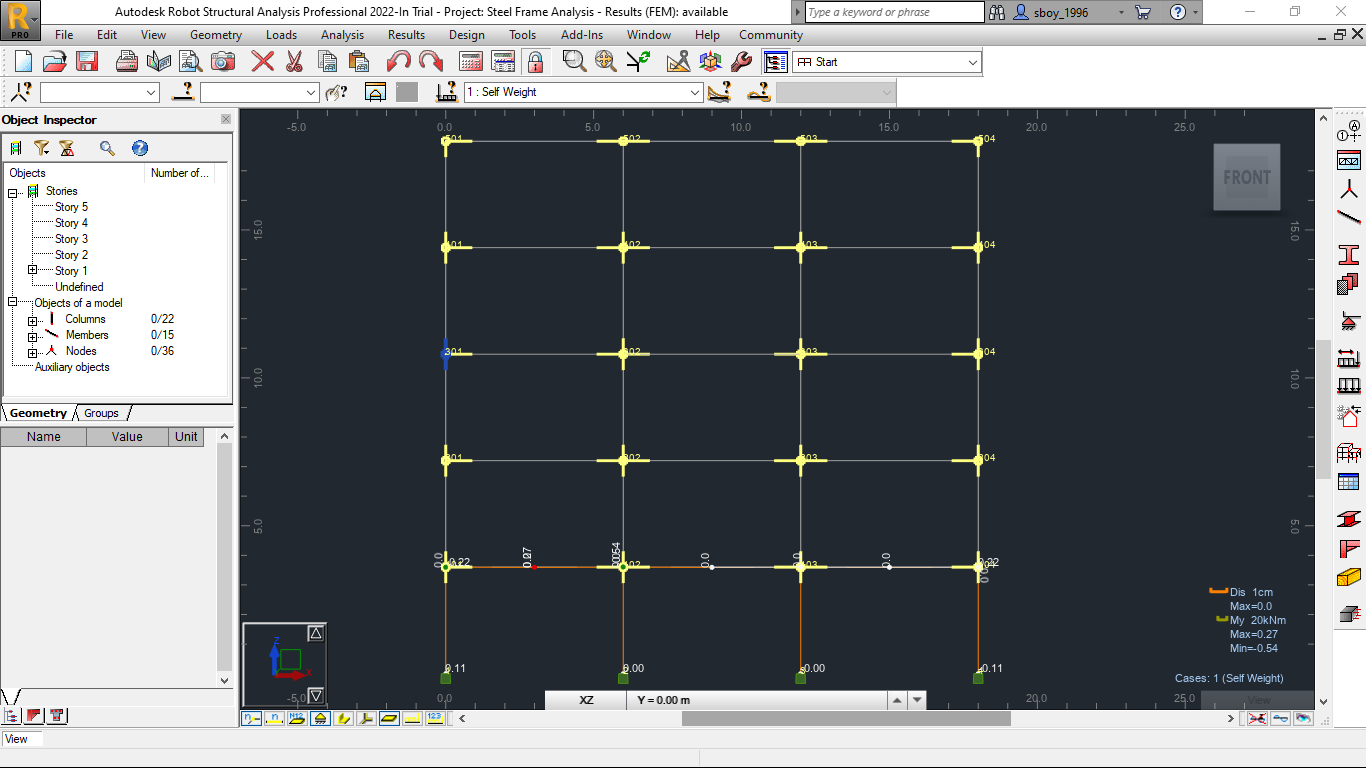
Autodesk Robot Frame Model Setup

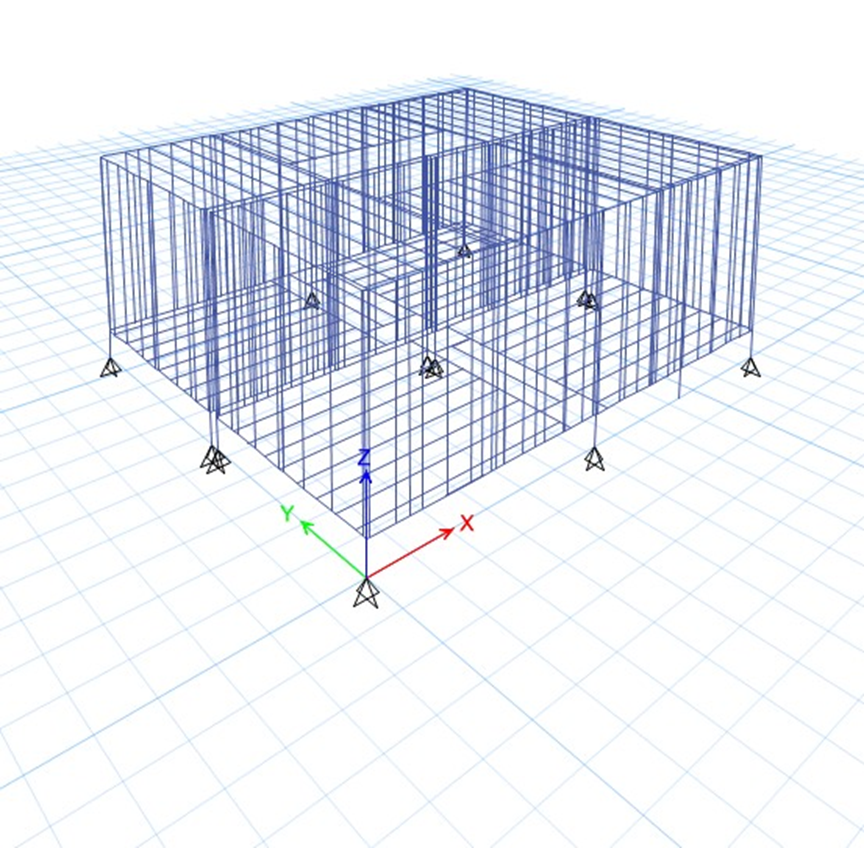
The steel frame is prepared inside Autodesk Robot Structural Analysis with member connectivity, supports, load combinations and FEM result availability as part of the Structural Analysis & FEM workflow.

Autodesk Robot steel frame model setup
Autodesk Robot braced steel frame model Autodesk Robot steel connection inspector
Step 02

Bracing Layout and Connection Inspector

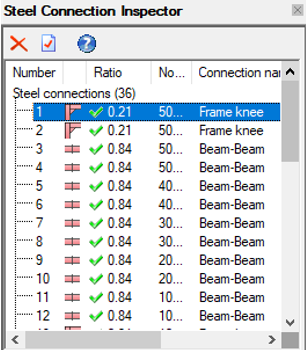
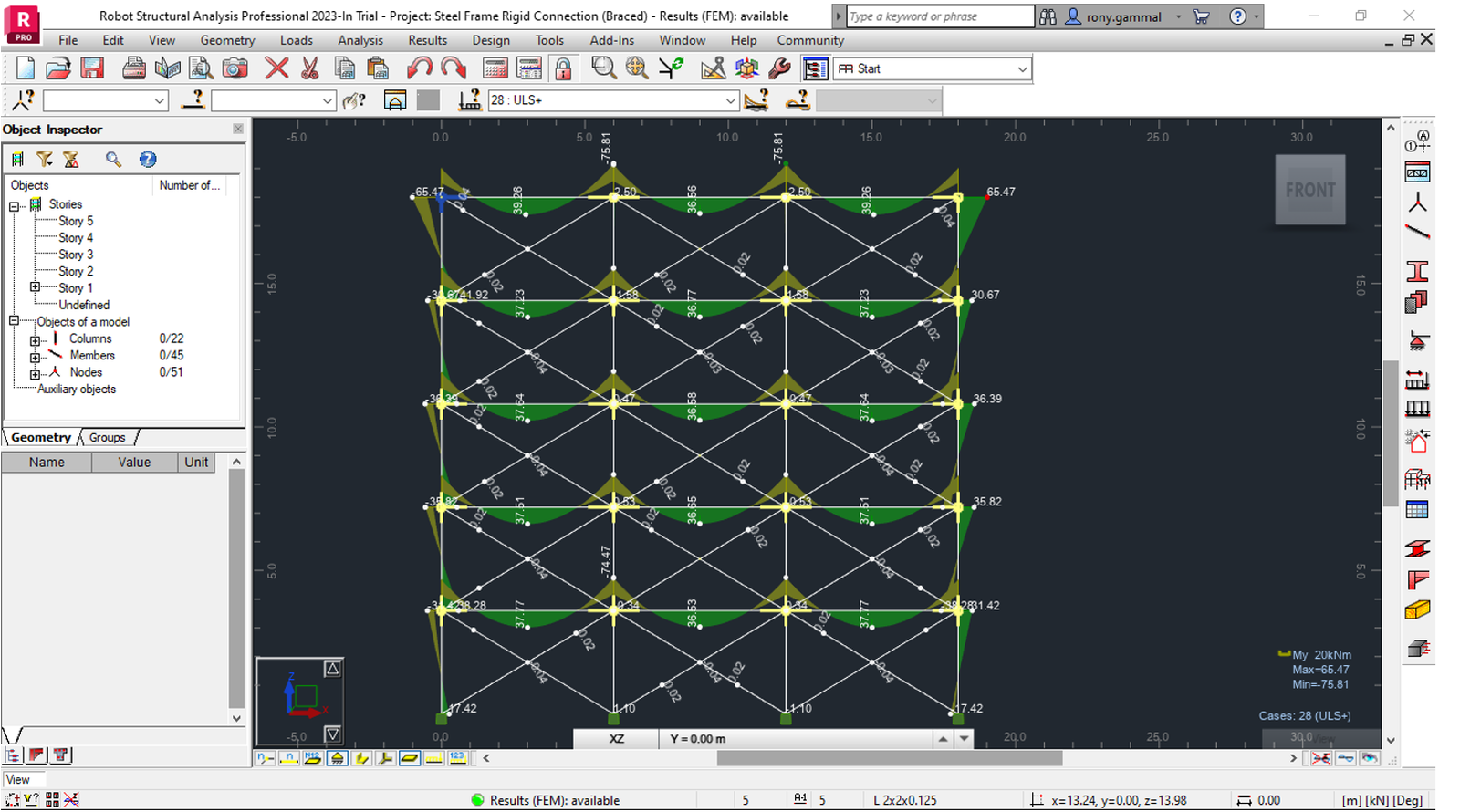
The braced steel frame is reviewed using Robot’s connection inspector tools. Member-to-member and beam-to-column connections are checked so the rigid connection behaviour and detailing assumptions remain consistent with the global model.

Step 03

Bending Moment and FEM Result Review

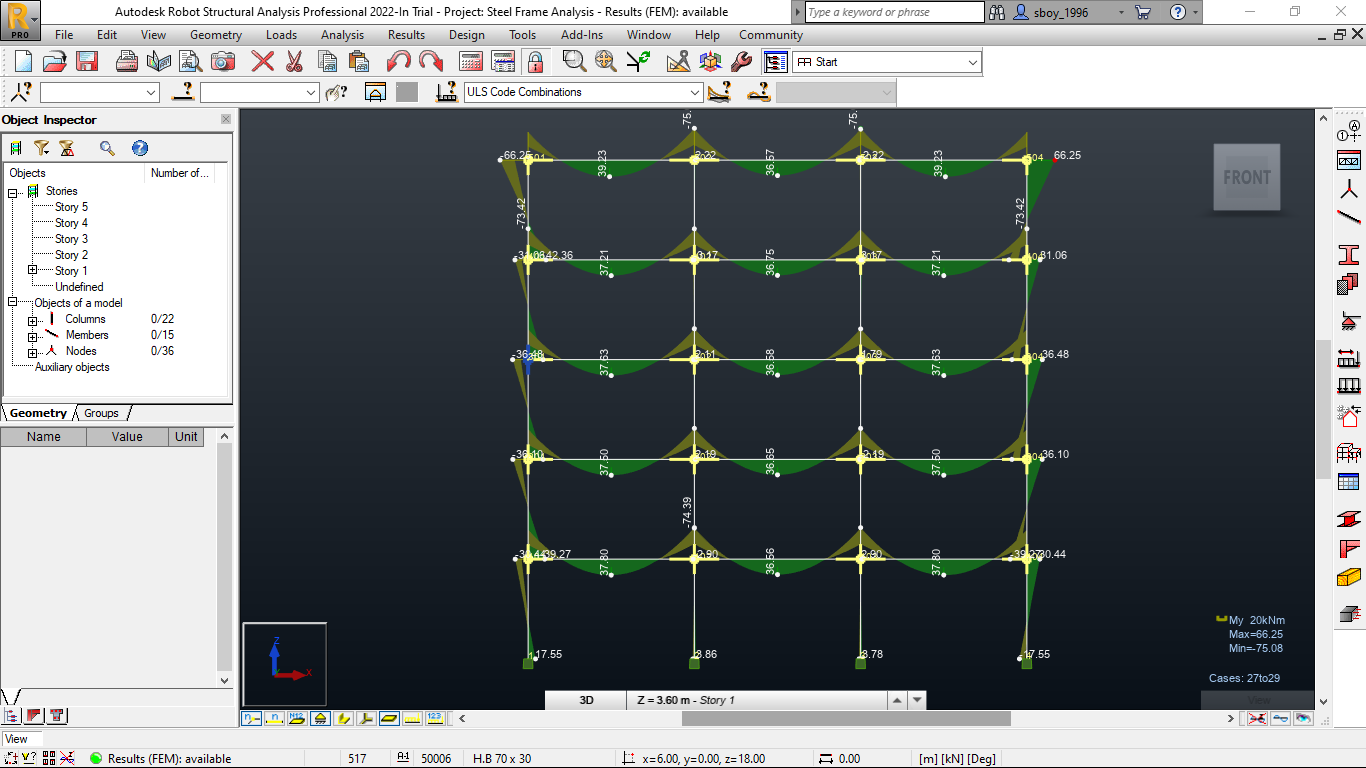
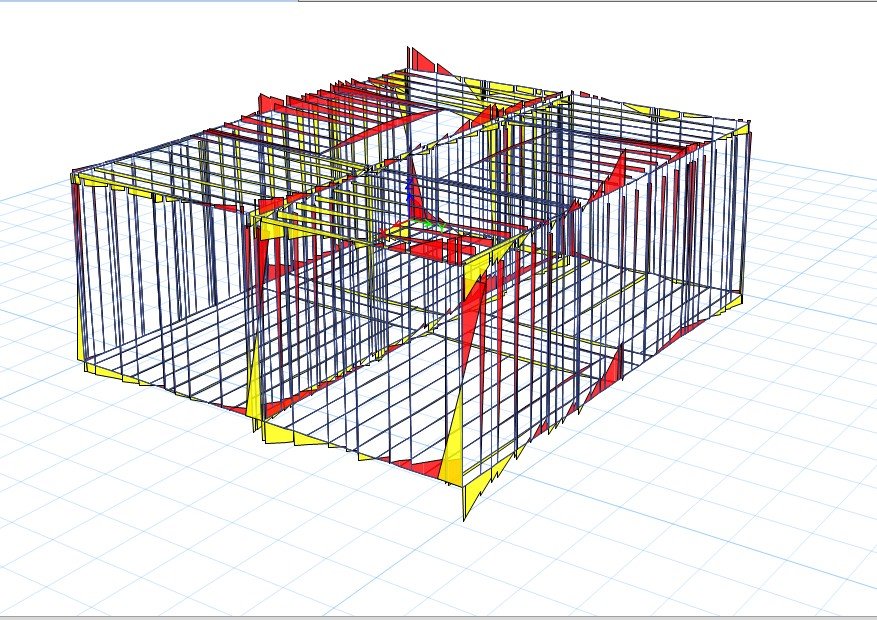
FEM results are reviewed under ultimate limit-state combinations. The bending moment diagrams and colour-coded result views help identify critical members, force paths and regions that need connection verification.

Autodesk Robot bending moment FEM result
Autodesk Robot column splice and member check
Step 04

Column Splice and Member Checks

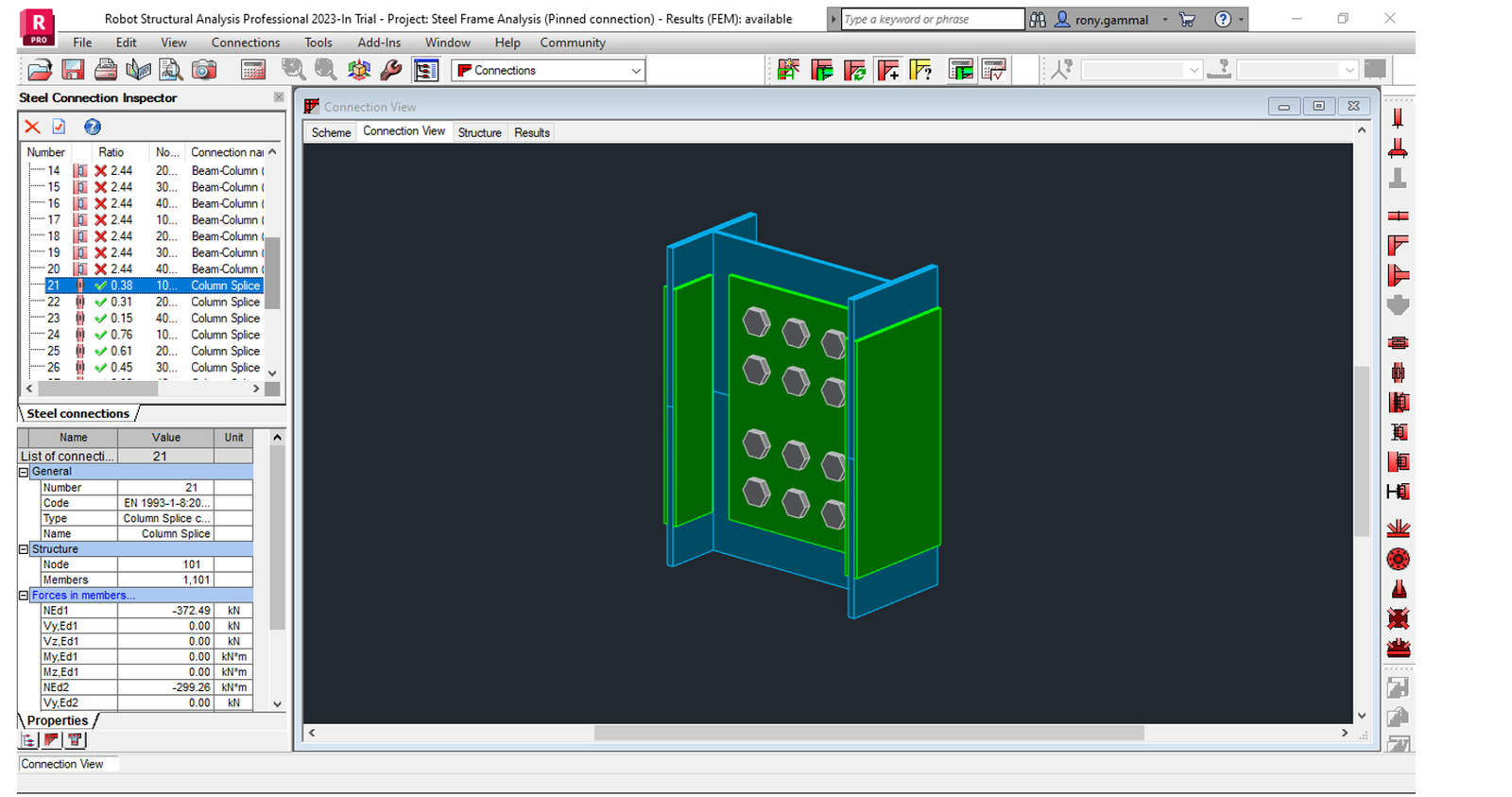
Detailed connection checks are performed on column splice and beam-column regions. This final review connects the 3D frame model, connection definition and FEM output into a complete Autodesk structural-analysis workflow.